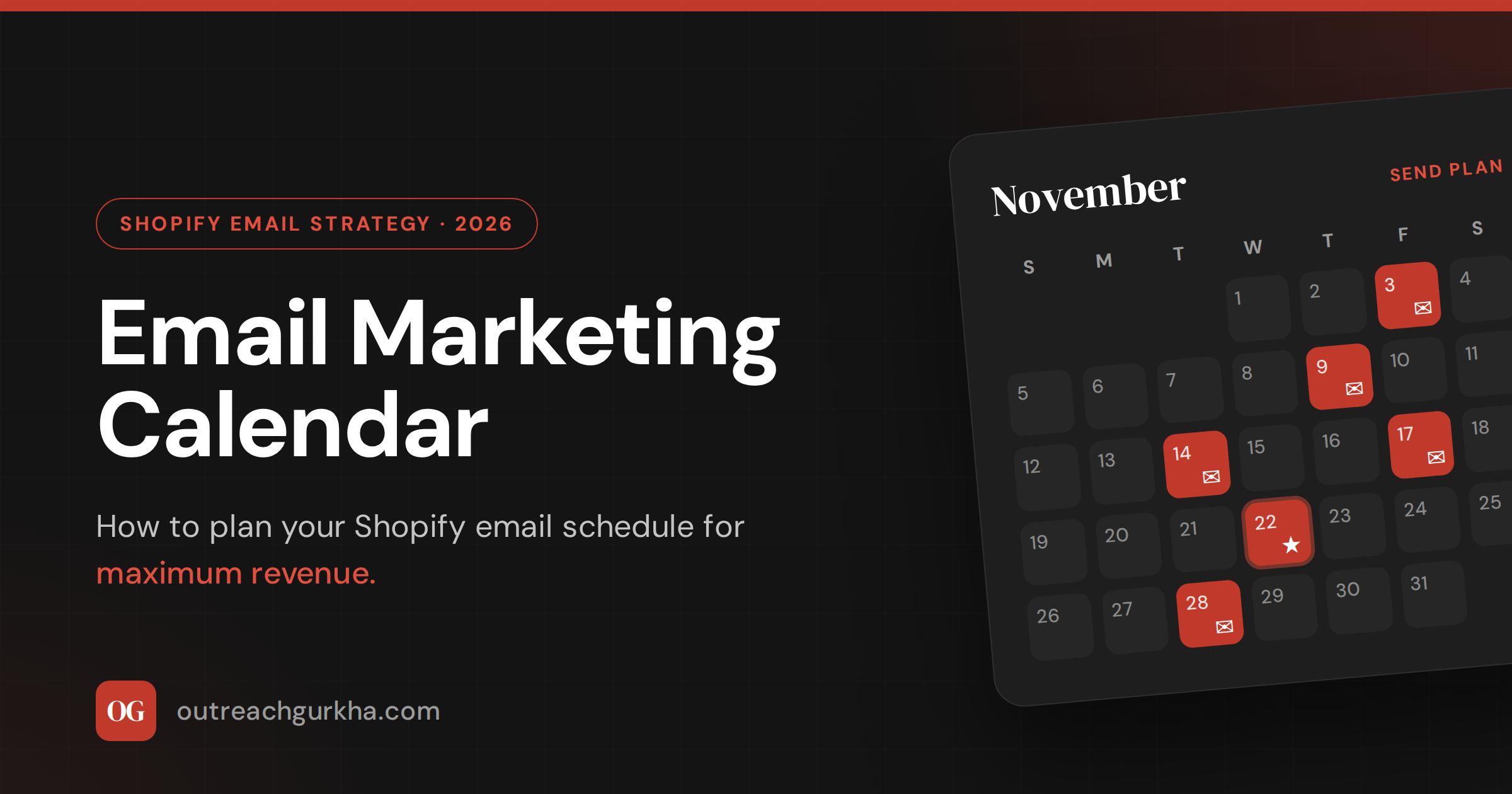
Email Marketing Calendar: How to Plan Your Shopify Email Schedule for Maximum Revenue
Send too little and your subscribers forget you bought their attention. Send too much and they leave for good. This guide gives you the planning system — frequency, content ratio, a 12-month seasonal map, and a fill-in template — so your Shopify email schedule generates revenue instead of unsubscribes.
There are two ways to get email wrong, and most Shopify stores do one of them. The first is silence: a campaign goes out when there’s a sale, then nothing for a month, then another scramble when revenue dips. The list goes cold, open rates slide, and every send has to re-earn attention from scratch. The second is noise: a store discovers email works, starts blasting daily, watches unsubscribes climb, and retreats to monthly sends in a panic.
Neither is a strategy. Both are reactions. The store that wins email is the one with a plan — a calendar that maps the commercial moments worth selling around, fills the gaps with content that keeps subscribers warm, and treats the unsubscribe rate as a live dashboard for whether the cadence is tuned correctly.
This is how you build that calendar.
1. The Golden Question: How Often Should Shopify Stores Email Their List?
There is no single correct number — but there is a defensible range, and a reliable signal that tells you the moment you’ve drifted outside it.
What the 2026 data shows
Sources: MailerLite 2025 (3.6M campaigns), Opensend 2026 (ecommerce unsubscribe research), WebFX 2026.
Frequency is not one number — it’s a number per segment
The single biggest mistake in email frequency is treating the list as one audience. A customer who bought twice in the last month wants to hear from you more often than a subscriber who hasn’t opened anything in two months. Send both the same volume and you simultaneously under-serve the buyer and burn out the lapser. The right cadence is set per segment.
| Subscriber segment | Recommended frequency | Why |
|---|---|---|
| New subscribers (0–30 days) | Welcome series (4 emails over ~6 days), then standard cadence | Peak engagement window. Higher frequency is expected and tolerated here. |
| Active buyers (purchased in last 60 days) | 1–2 per week standard · up to 2–3 per week during peak periods | High trust. Most receptive to relevant product and restock offers. |
| Engaged non-buyers (opened, no purchase) | 2–4 per month | Still building trust. Selling too hard too early drives them out. |
| Lapsed subscribers (60–180 days, no open) | 1 per month maximum | Low tolerance. Over-sending here accelerates permanent churn. |
| Dormant (180+ days, no open) | Re-engagement campaign only, then suppress | Sending to dead contacts drags deliverability down for the whole list. |
2. How to Build a 12-Month Email Marketing Calendar for Shopify
A 12-month calendar isn’t about putting an email on every date. It’s about mapping the moments where email earns the most, then layering in the content that keeps the list warm between them. Build it in three layers.
Layer 1 — Seasonal campaigns (the fixed dates)
These are the commercial events your customers are already shopping. Skipping them entirely leaves money on the table; arriving late — sending on the day instead of building toward it — drops you into a saturated inbox alongside every competitor at once.
The BFCM mistake most stores make: sending the Black Friday email on Black Friday. So does every competitor — and on November 28th every inbox is at maximum saturation. Send your VIP early-access email 3–4 days ahead. Send the public launch the day before. By the time Black Friday actually lands, your best customers have already bought, and you’ve stepped around the inbox war entirely.
Layer 2 — Product launches
Treat every launch as a mini-campaign, not a single email: a teaser 7–10 days out, a launch email on the day, and a follow-up to non-openers 3–5 days later. Add a waitlist signup to the product page beforehand, then send the launch to that waitlist first — they’re your warmest buyers and they create early momentum the rest of the list can see.
Layer 3 — Evergreen campaigns
Evergreen sends aren’t tied to a season or a launch. They fill the gaps and do the relationship work: keeping your brand present without asking for a sale. A bestsellers roundup, a customer story, a behind-the-scenes note, a useful guide tied to your category. These should make up a meaningful share of your monthly volume — they’re the sends that keep the list willing to open the promotional ones.
3. The 80/20 Email Content Rule: Value vs. Promotion Ratio
The fastest way to fatigue a list is to make every email a pitch — sale, discount, new arrival, limited offer, repeat. Subscribers learn that every send is an ask, so they stop opening. Open rates fall, so the store discounts harder to compensate, and unsubscribes climb. The 80/20 rule breaks that loop.
The principle: roughly 80% of your emails should lead with value, and 20% should be a direct ask. That doesn’t mean only one in five sends can mention a product — it means four out of five should feel like the subscriber gained something by opening, even when there’s a product inside. The “value” carries the “sell.” In practice, ecommerce stores run the ratio a little hotter than a pure content brand would, but the direction holds: most emails earn the open before they ask for the click.
80% — Value-led sends (earn the open)
- Product education — “get more from what you bought”
- Customer story or user-generated content feature
- Behind-the-scenes / founder note
- Useful guide tied to your product category
- Bestsellers roundup framed as a recommendation, not a sale
20% — Direct promotion (make the ask)
- Flash sales with a genuine deadline
- Seasonal and BFCM promotional campaigns
- Product launch and new-arrival announcements
- Back-in-stock alerts
- Last-chance / clearance sends
The value-led emails are exactly the ones most stores skip — and they’re the ones that protect long-term list health. A subscriber who has read your brand story, seen a real customer result, and learned something useful from you will respond to your next discount far better than one who has only ever received codes. Value isn’t a break from selling. It’s what makes the selling work.
4. How Long Should Marketing Emails Be?
The right length is whatever it takes to do the email’s one job — and not a word more. Here’s how that breaks down by type.
The rule that overrides every length guideline: one email, one job, one CTA. An email that announces a product, shares a customer story, pushes a sale, and asks for an Instagram follow does none of them well. Decide the single job before you write the first line.
5. Newsletter Strategy for Ecommerce: What to Include, What to Skip
“Newsletter” gets used loosely in ecommerce — it becomes the catch-all for “the email we send when there’s no campaign.” That’s the wrong instinct. A newsletter needs a defined purpose and a real reason to exist beyond filling a slot.
What to include
✓
✓
✓
✓
What to skip
✗
✗
✗
✗
6. The Email Calendar Template — Structure It Like This
A calendar you’ll actually maintain is built on a simple, repeatable structure. Whether you keep it in a spreadsheet, Notion, or a planning doc, give every send a row with these six columns:
| Column | What goes in it |
|---|---|
| Send date | The exact day. Seasonal dates get locked first — they’re fixed and everything else fits around them. |
| Email type | Promotional · Value/relationship · VIP · Re-engagement. Tagging type is how you check your 80/20 ratio at a glance. |
| Content angle | One sentence describing the email’s single job. If you can’t write it in one line, the email isn’t focused yet. |
| Audience | The exact segment — never default to “full list.” Active buyers, engaged non-buyers, VIP, lapsed. |
| CTA | The one action the email drives. One per send. |
| Success metric | What you’ll measure — usually revenue per recipient, plus unsubscribe rate as the health check. |
Populate the fixed seasonal slots first, then drop in product-launch mini-campaigns, then fill the remaining gaps with value-led sends and a quarterly list-health (win-back) send. Aim for 4–8 campaign sends a month, with at least one or two of them value-led. Here’s what one filled-in month looks like.
This month: 6 campaign sends. Two are value-led, one is VIP-only, and every send goes to a defined segment — never the full list. Automated flows (welcome, abandoned cart, post-purchase, browse abandonment, win-back) run continuously in the background and aren’t counted here.
Email Calendar Quick Reference — 2026
We’ll plan and manage it for you
Don’t Have Time to Plan? Let Outreach Gurkha Manage Your Email Calendar
We build your 12-month email calendar, write and design every campaign, manage your automated flows, and report on revenue — not open rates. You review and approve. We handle the rest.
No retainer. No setup fee. We charge 10% of the email revenue we generate — after it lands in your Shopify account.
Free audit delivered as a Loom in 48 hours.
12-month calendar built in Week 1.
For Shopify stores doing $10K–$150K/month.